4.2. My Friends Guide
The TFlow platform is not just an internal messenger—it acts as a hub that ties together the trade ecosystem network (exporter–shipping line–customs broker–buyer–bank). For smooth communication and chat/project invitations, you must first be registered as Friends with each other.
1. Network Connections and Address Book Management
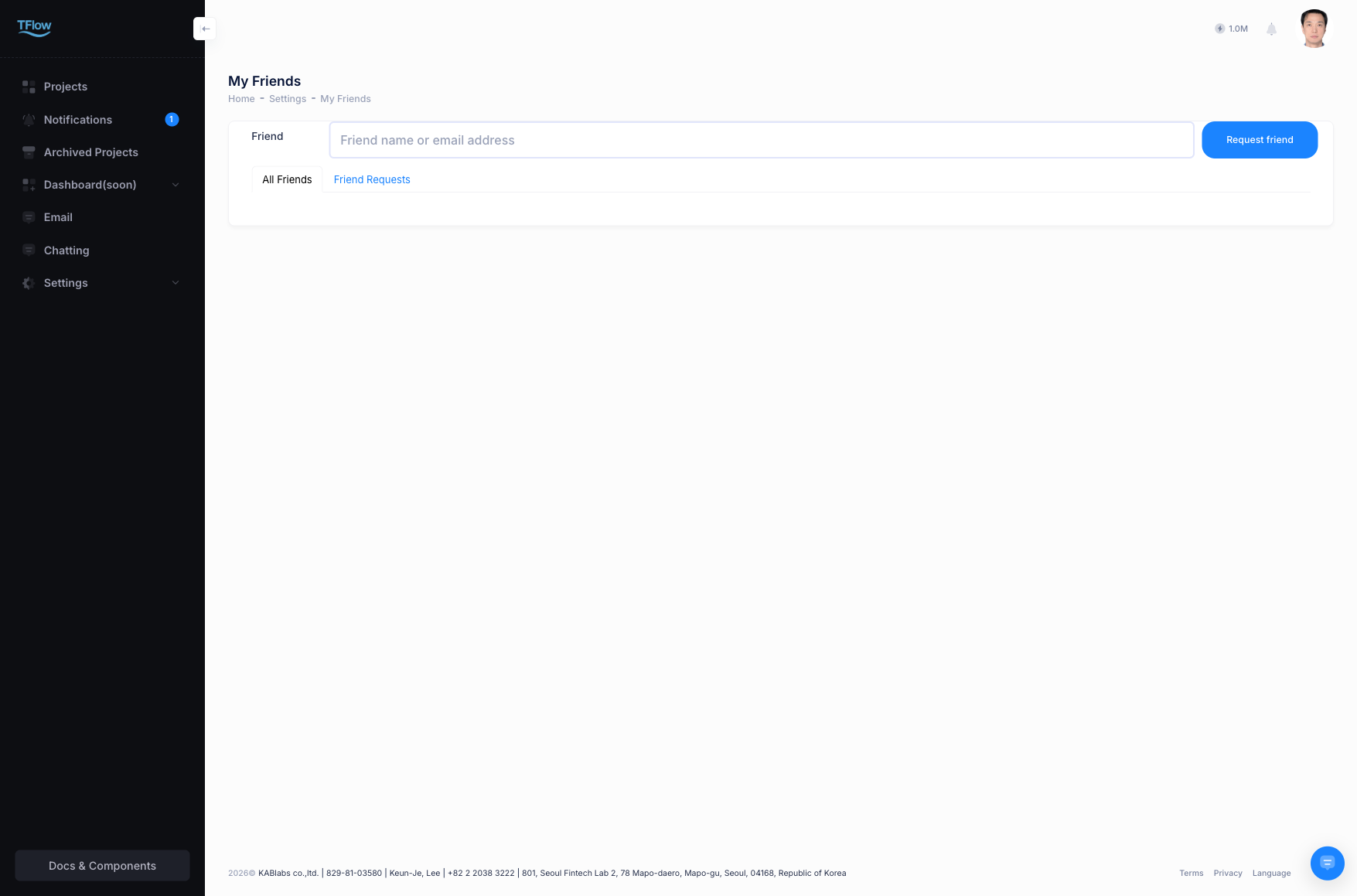
- Search & Invite: Search for other users registered on the TFlow platform by email or company, and send a "Friend Request". This is a required step before collaborating with external partner companies.
- Approval and Pending queue: Invitations others send you appear in the
[Pending requests]tab at the top, where you canAcceptorDeclinethem. Users who are already friends appear in the[My Friends]list. - Management features: For friends you communicate with often, you can pin them with the important-pin (Star) at the top.
1-1. Friend Management Troubleshooting (FAQ)
- Q: "The search doesn't work when inviting a project
Coworkeror creating a group chat."- A: External users, such as staff at other companies, must be mutually followed (approved) in your My Friends list before they can be shared with/invited to internal project tools. First send an invite from the contacts tab and get mutual approval.
- Q: "I no longer want to keep a specific external user on my list."
- A: In the more-options (three-dot) button on the contact card list, you can choose Remove Contact or Block (block work messages). When blocked, the other party can no longer send you messages (Chat) or share links.